MOONSHRINE
Hyprland Rice
███╗   ███╗ ██████╗  ██████╗ ███╗   ██╗███████╗██╗  ██╗██████╗ ██╗███╗   ██╗███████╗
████╗ ████║██╔═══██╗██╔═══██╗████╗  ██║██╔════╝██║  ██║██╔══██╗██║████╗  ██║██╔════╝
██╔████╔██║██║   ██║██║   ██║██╔██╗ ██║███████╗███████║██████╔╝██║██╔██╗ ██║█████╗
██║╚██╔╝██║██║   ██║██║   ██║██║╚██╗██║╚════██║██╔══██║██╔══██╗██║██║╚██╗██║██╔══╝
██║ ╚═╝ ██║╚██████╔╝╚██████╔╝██║ ╚████║███████║██║  ██║██║  ██║██║██║ ╚████║███████╗
╚═╝     ╚═╝ ╚═════╝  ╚═════╝ ╚═╝  ╚═══╝╚══════╝╚═╝  ╚═╝╚═╝  ╚═╝╚═╝╚═╝  ╚═══╝╚══════╝
MOONSHRINE
void black · crimson berries · moonlight white
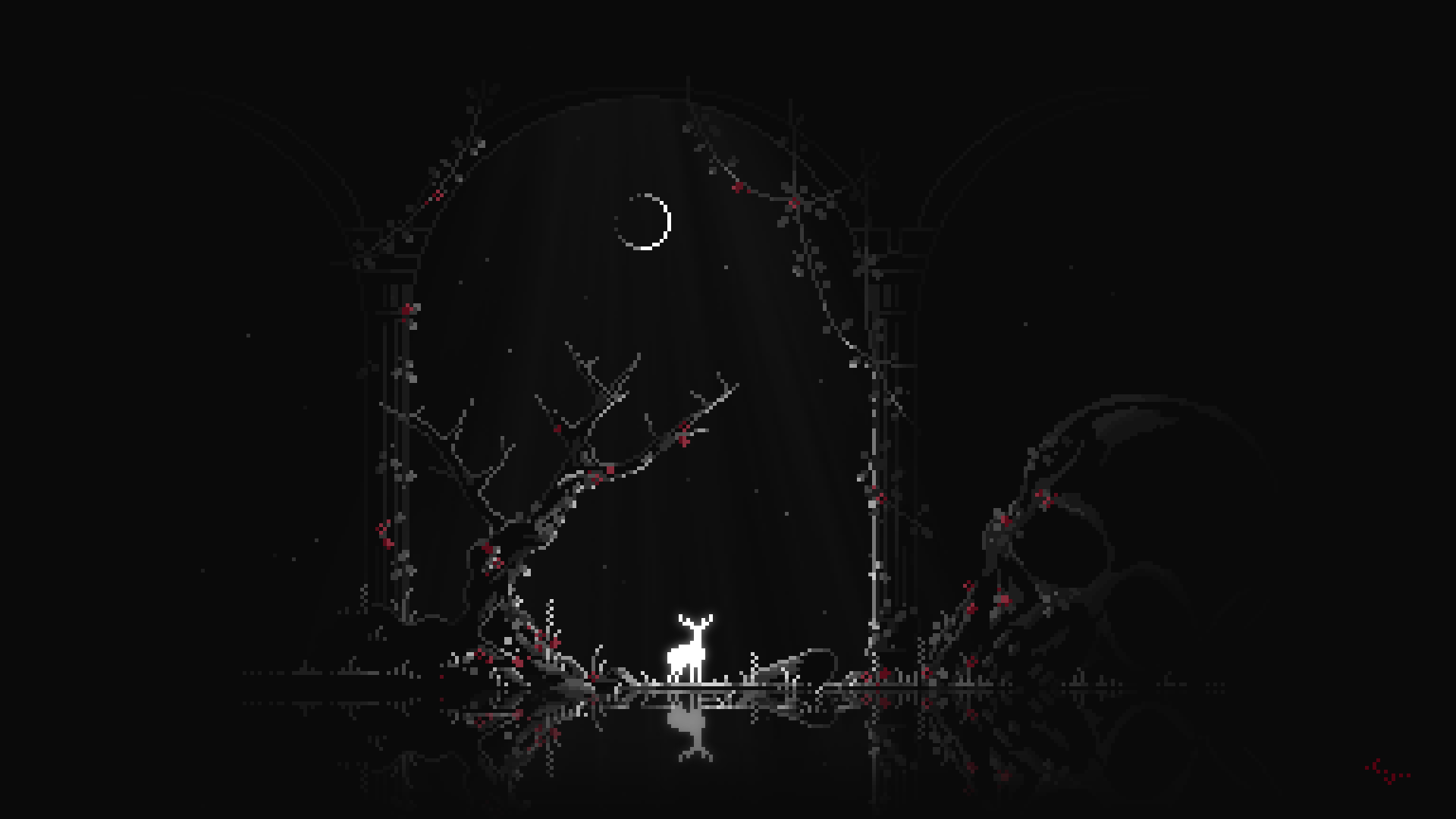
A dark pixel art rice built around a single wallpaper — the white deer standing alone in a void shrine. Every color, every border, every animation pulled directly from the scene.
Showcase
5 captures from the live setup. Click any to expand.
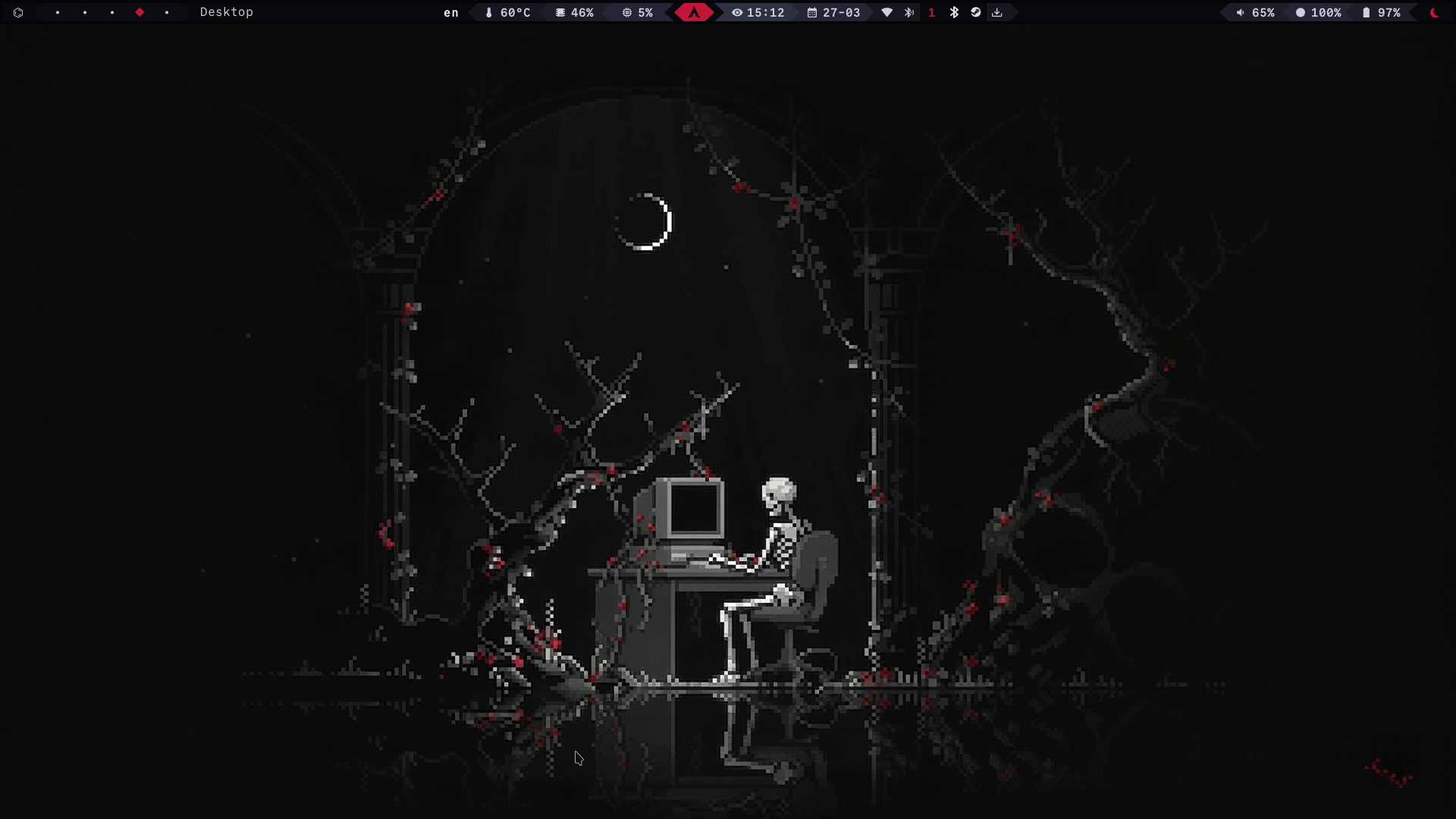
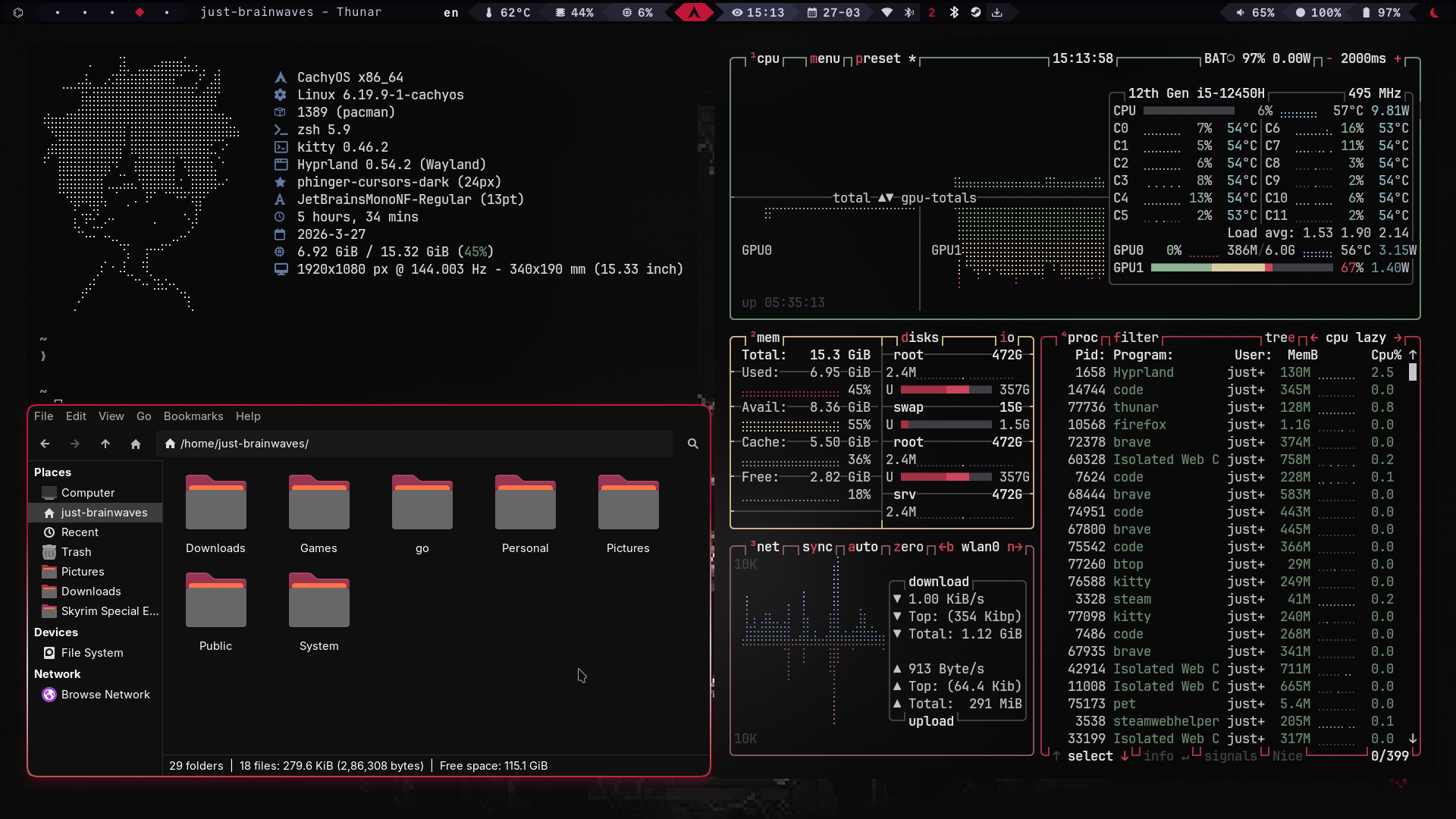
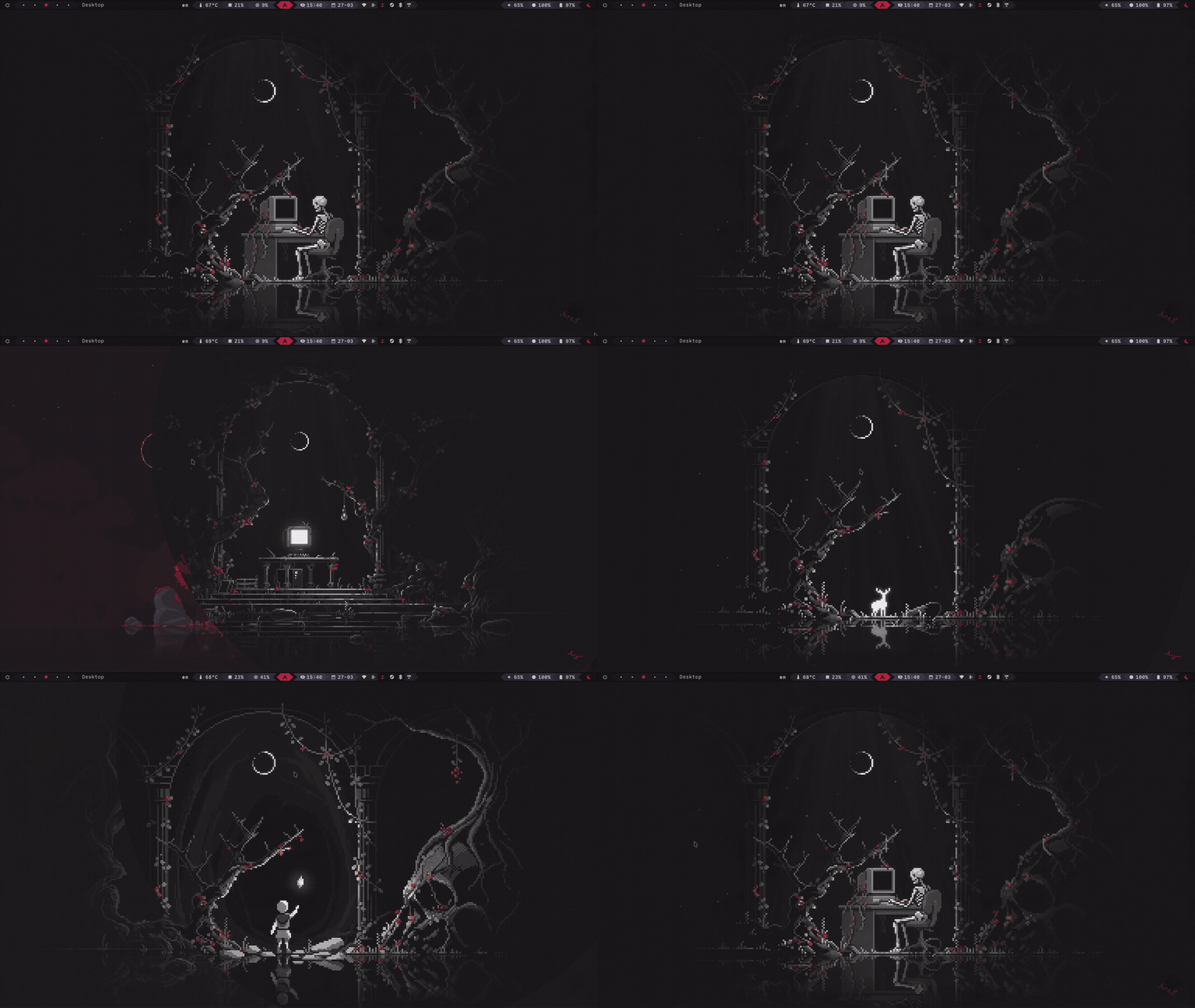
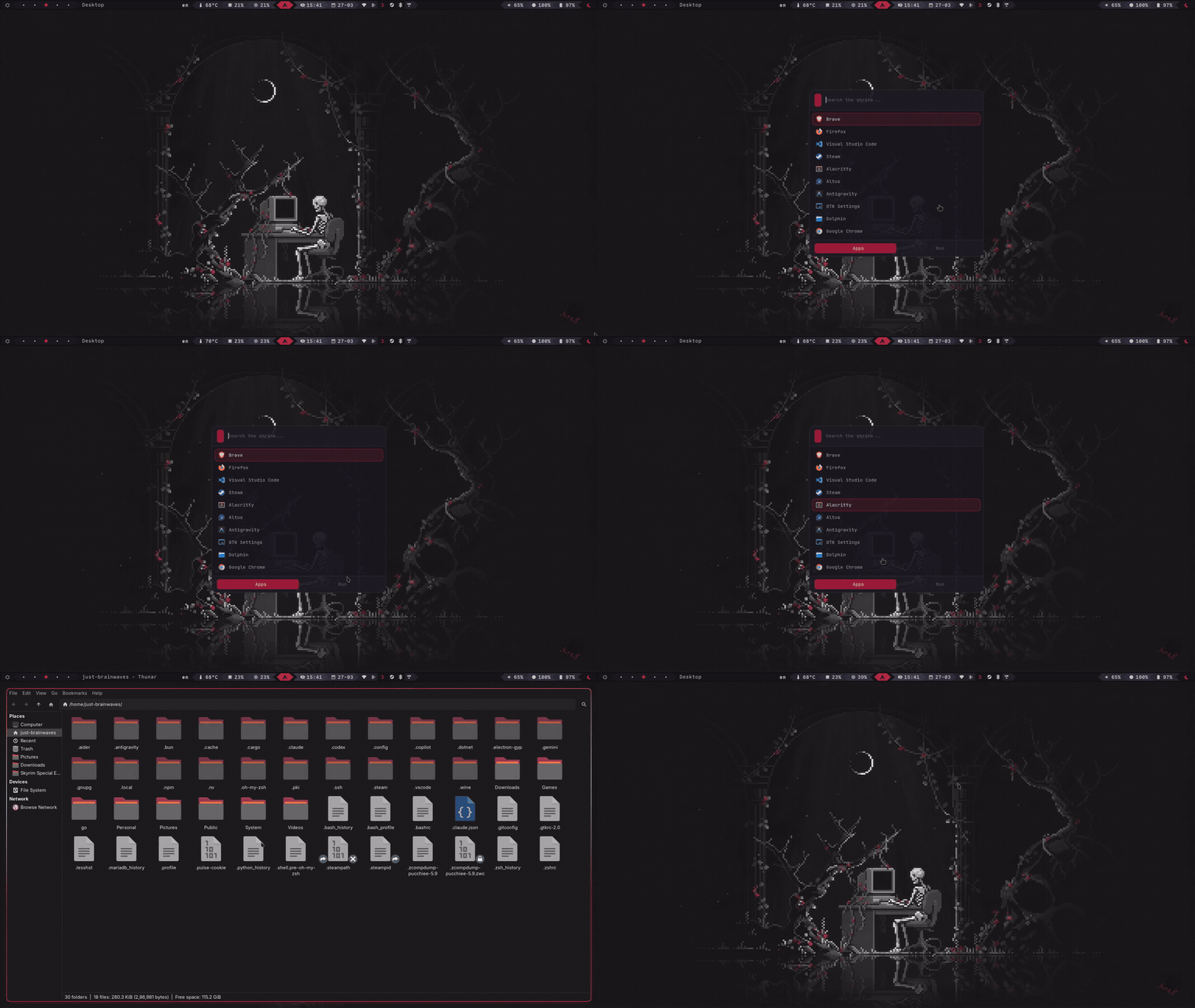
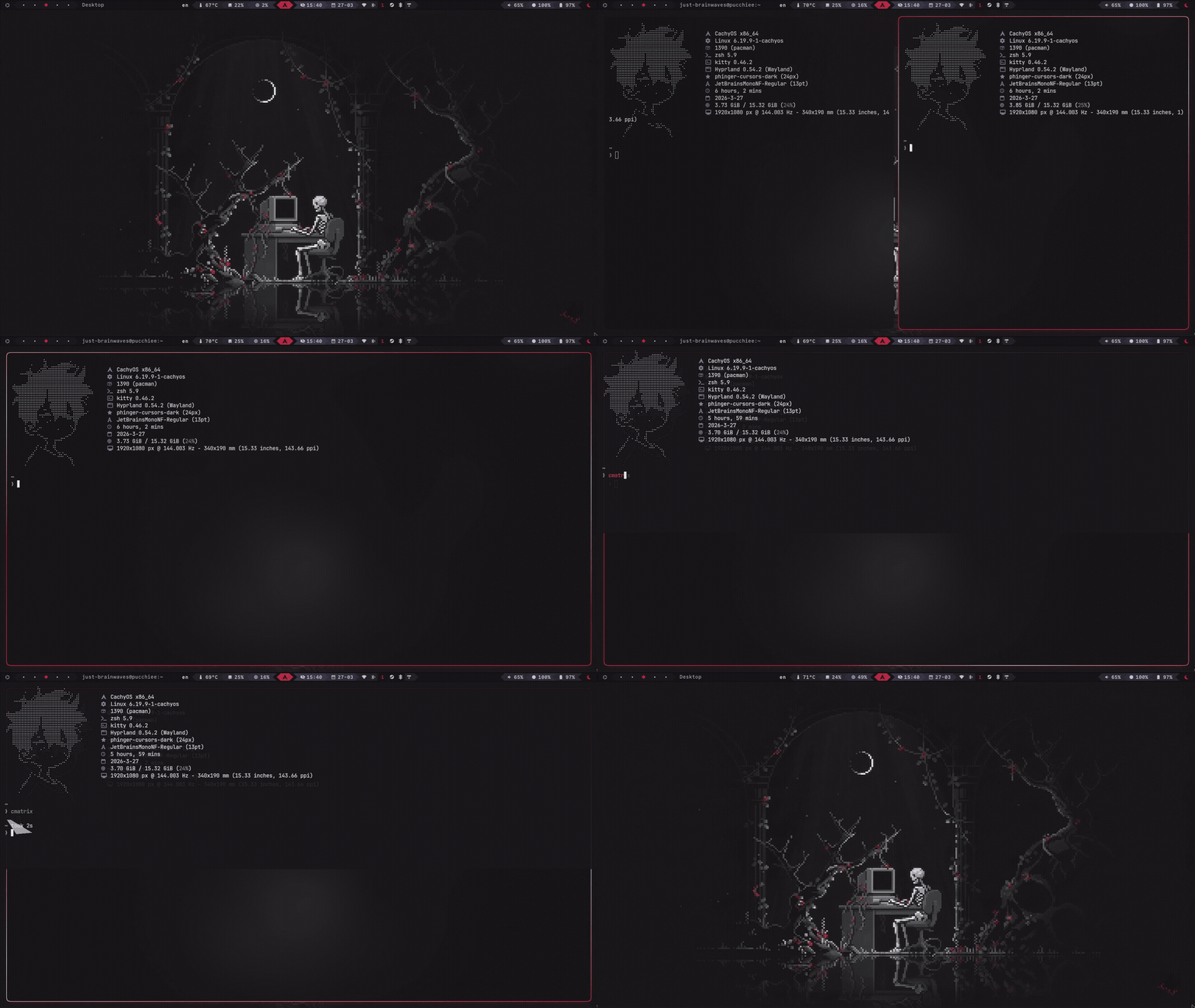
From default to shrine
Drag the slider to reveal how a plain Linux desktop becomes Moonshrine. Every pixel of the right side is handcrafted.
Build Journey
From a single wallpaper to a unified shrine. Eight steps of intention.
The Vision
Found the deer wallpaper. The void shrine called.
Palette Extraction
13 colors pulled directly from the scene. No guessing.
Hyprland Config
Window rules, animations, bezier curves. The bones.
Waybar Theme
Custom modules, styled to the pixel. mechabar forked.
Terminal & Shell
Kitty + Zsh + Starship. The prompt glows scarlet.
Rofi Launcher
Type to summon from the void. Every pixel themed.
Animations
Spring curves and crossfades. Nothing snaps.
The Shrine Lives
Every element unified. The white deer stands.
Philosophy
“A dark pixel art rice built around a single wallpaper — the white deer standing alone in a void shrine.Every color, every border, every animation pulled directly from the scene.”
“A shrine is not built in a day. It is built in the silence between keystrokes — the space where intention meets the cursor.”
Cohesion
Every color, every border, every animation is pulled from a single source — the wallpaper. Nothing is arbitrary.
Restraint
Minimalism isn't about having less. It's about making every pixel earn its place. The void is intentional.
Flow
Spring animations and bezier curves. Nothing snaps. Nothing jumps. Windows breathe into place like leaves.
Identity
A rice is a signature. It says something about who made it. Moonshrine is mine — dark, deliberate, alive.
Palette
13 colors pulled from the wallpaper. Click any swatch to copy — watch the berries fly.
Hover Preview
Scarlet — #c01638
:root { --color-void: #08080d; --color-abyss: #0c0c14; --color-iron: #252535; --color-steel: #303045; --color-moonlight: #cecee0; --color-bone: #eaeaf4; --color-deer-white: #f6f6fa; --color-sage: #408055; --color-lichen: #5a9e6e; --color-crimson: #9e0e2e; --color-scarlet: #c01638; --color-roseblood: #de2448; --color-blush: #f04068;}Contrast Checker
Pair any two Moonshrine colors and verify WCAG 2.1 contrast in real time. Try the presets, then mix your own combinations.
Left-click = foreground · Right-click = background
The white deer stands alone
In the void shrine, moonlight pools like spilled silver. The deer does not move. Crimson berries grow in the dark.
Stack
22 carefully chosen tools, each themed to match the Moonshrine aesthetic.
OS
CachyOS
Arch-based
Compositor
Hyprland
Wayland
Bar
Waybar
Custom themed
Terminal
Kitty
GPU accelerated
Shell
Zsh
+ Starship prompt
Launcher
Rofi
Wayland build
Notifications
Swaync
Stylized
Lock Screen
Hyprlock
Native blur
Idle Daemon
Hypridle
Timeouts
Login Manager
SDDM
Astronaut theme
Editor
Neovim
LazyVim + VS Code
System Monitor
btop
Themed
Visualizer
Kwybars
Audio bars
Wallpaper
swww
Smooth transitions
GTK Theme
Graphite-Dark
Black rimless
Icon Theme
Papirus-Dark
Consistent set
Cursor
phinger
Dark variant
Fonts
JetBrainsMono
NF · SF Pro
Clipboard
cliphist
History
Screenshot
grim + slurp
+ swappy edit
Color Picker
hyprpicker
Native Wayland
Window Switcher
hyprswitch
Alt+Tab
File Structure
Modular configs across ~/.config/. Click folders to expand.
Keybinds
Every key is mapped with intention. Super is your gateway.
Installation
Seven steps to bring the void shrine to your machine. Each command is copy-paste ready.
Warning — This will overwrite existing configs. Back up your ~/.config first.
Clone the repo
$git clone https://github.com/yourusername/moonshrine-dots$cd moonshrine-dots
Install dependencies
# Install everything from Req.txt$paru -S --needed - < Req.txt
Copy configs
$cp -r config/* ~/.config/
Set Zsh as default shell
$chsh -s $(which zsh)
Cache zoxide
$zoxide init zsh > ~/.zoxide-init.zsh
Enable SDDM
$sudo systemctl enable sddm
Reload Hyprland
$hyprctl reload
Done. Log out and select Hyprland from your display manager.
Terminal
Try the live terminal. Type 'help' to see what commands are available.
Config Playground
Toggle Hyprland features and watch the config write itself.
Blur
blur:enabled trueGlassmorphism blur on windows
Gaps
gaps_in 8, gaps_out 12Spacing between tiled windows
Borders
general:border_size 3Colored border around windows
Animations
animations:enabled trueSpring curves on window movement
Drop Shadows
decoration:drop_shadow trueSoft shadow under windows
Take the shrine with you
Download a complete summary of the Moonshrine config — palette, stack, keybinds, and install steps.
Join the Shrine
Moonshrine is open. Star the repo, share your rice, contribute a wallpaper, or just leave a trace.
Star on GitHub
If the shrine speaks to you, leave a star.
Submit a Wallpaper
Built a Moonshrine-themed wallpaper? Send it.
Share Your Rice
Post your take. Tag it #moonshrine.
Read the Source
Every line of the config is documented.
Made with scarlet ink and moonlight. — the Moonshrine project
FAQ
Common questions about the rice, the tools, and the philosophy behind it.